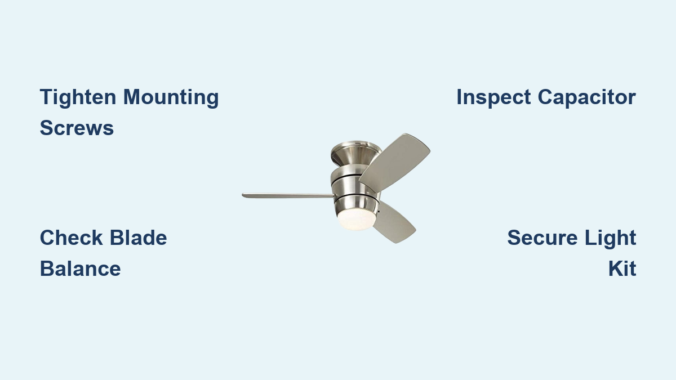
That persistent clicking sound from your ceiling fan can quickly turn a relaxing space into a source of constant irritation. Harbor Breeze ceiling fans are known for their quality and affordability, but like any mechanical device, they can develop issues over time. When your Harbor Breeze fan starts making clicking noises, it’s signaling that something needs attention—whether it’s a simple fix or a more serious problem. Understanding why your Harbor Breeze ceiling fan is clicking gives you the power to address the issue before it escalates into a costly repair or replacement.
Ignoring these clicking sounds often leads to more severe damage, potentially causing your fan to stop working entirely. The good news is that most clicking problems have straightforward solutions you can handle yourself with basic tools and a systematic approach. This guide will help you diagnose exactly why your Harbor Breeze ceiling fan is clicking, provide step-by-step repair instructions, and share prevention strategies to keep your fan running quietly for years to come.
Pinpointing When Your Harbor Breeze Fan Clicks
The timing of the clicking sound provides crucial clues about what’s wrong with your fan. Before grabbing your tools, take time to identify the specific pattern of the noise.
Clicking During Continuous Operation happens when the fan runs steadily but produces a rhythmic clicking sound matching the blade rotation. This usually indicates loose components vibrating against each other or debris caught in the fan housing. Turn your fan on and listen carefully—does the clicking speed up as the fan accelerates? This correlation confirms the issue is mechanical rather than electrical.
Speed-Specific Clicking occurs only at certain settings, most commonly on low or medium speeds. At higher speeds, the sound might disappear as airflow masks the noise. This pattern often points to blade imbalance or motor winding issues that only manifest under specific load conditions. Note exactly which speed settings trigger the clicking to help narrow down potential causes.
Startup/Shutdown Clicking happens exclusively when the fan begins spinning or comes to a stop. This distinctive pattern typically indicates capacitor problems or issues with the pull chain mechanism. The electrical stress during these transition periods reveals weaknesses that don’t appear during steady operation.
Tightening Loose Mounting Hardware on Harbor Breeze Fans
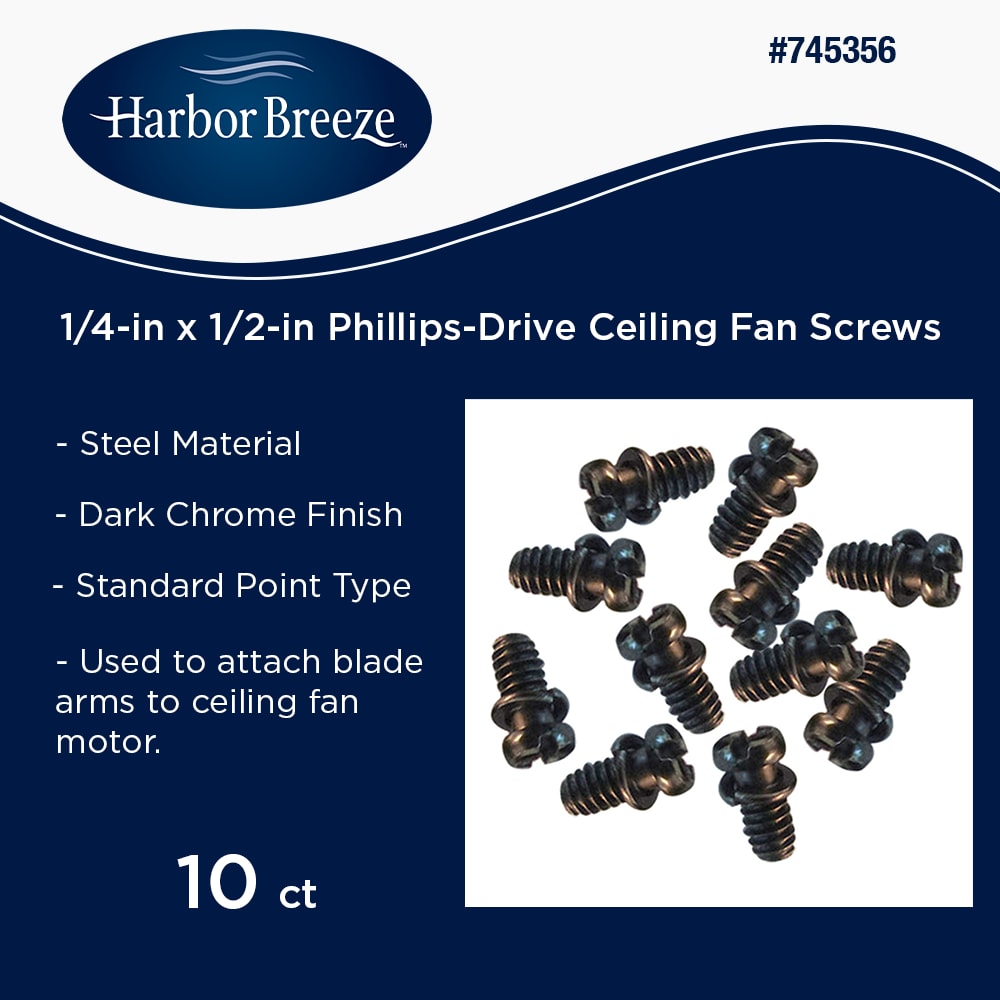
Loose screws and mounting components cause the majority of Harbor Breeze ceiling fan clicking problems. The constant vibration from normal operation gradually works fasteners loose over time.
Securing the Fan Mounting Assembly
Begin by turning off power at the circuit breaker—never work on a powered fan. Use a sturdy ladder to access the canopy (the dome where the fan meets your ceiling). Examine all visible screws securing the canopy to the mounting bracket and tighten them firmly but don’t over-tighten, as Harbor Breeze fans often use plastic components that can crack under excessive pressure.
Next, check the motor housing bracket that connects to the mounting bracket. These larger bolts bear the fan’s weight and vibration, making them prone to loosening. Support the fan with one hand while tightening each bolt incrementally to avoid misalignment. Pay special attention to any decorative elements or light kits, as these components frequently develop independent looseness.
Blade Attachment Point Fixes
Each Harbor Breeze fan blade connects to a blade arm, which then attaches to the motor hub—two potential failure points for clicking sounds. Start by checking the screws securing each blade to its arm, usually accessible from the top of the blade. Tighten these screws while supporting the blade to prevent twisting.
If blade screws won’t tighten because the holes have become stripped, you have two options: insert toothpicks or wooden matchsticks coated in wood glue into the holes, or replace the affected blade. For persistent issues, replace the blade arm entirely—Harbor Breeze parts are widely available online with your model number.
Correcting Harbor Breeze Blade Imbalance Issues
Even slight blade imbalances create clicking sounds as blades pass through air resistance, especially at lower speeds where the fan’s movement is less forceful.
Performing a Visual Blade Alignment Check
With the fan off and blades stationary, measure each blade’s distance from the ceiling at a consistent point (about 4 inches from the tip). Record measurements for all blades—variations exceeding 1/4 inch indicate alignment problems. To correct, loosen the blade arm mounting screws for higher blades and tighten those for lower blades.
Work methodically around the fan, making small adjustments and re-measuring after each change. Some Harbor Breeze models have alignment marks on the blade arms—use these as reference points if available. This process requires patience, as over-correction creates new imbalance issues that may produce different clicking patterns.
Applying Balance Weights to Stop Clicking
Many Harbor Breeze fans include balance kits with adhesive weights designed specifically for resolving clicking caused by subtle imbalances. With the fan running at medium speed, identify which blade produces the most pronounced clicking. Attach a balance weight to the top of that blade near the tip.
Turn the fan off, wait for complete stoppage, then restart to test. If clicking persists, move the weight slightly toward the blade base and test again. Continue this process until the clicking stops, using the minimum weight necessary. If your fan didn’t include a balance kit, universal kits work with most Harbor Breeze models and cost under $10 at hardware stores.
Diagnosing Harbor Breeze Motor-Related Clicking

When loose hardware and blade issues don’t resolve the clicking, the problem likely originates in the motor assembly—requiring more specialized diagnostics.
Checking Harbor Breeze Motor Bearings
Turn off power and manually rotate the fan blades. The movement should feel smooth with consistent resistance throughout the rotation. If you feel grinding, inconsistent resistance, or hear clicking during manual rotation, the motor bearings may be failing.
Some Harbor Breeze models have lubrication ports on the motor housing—apply one or two drops of light machine oil if accessible. For models requiring disassembly, consult your specific fan’s manual before proceeding. Significant bearing wear usually requires professional repair or motor replacement, as the cost often approaches that of a new fan.
Testing and Replacing the Start Capacitor
The capacitor provides the electrical “jolt” needed to start the motor spinning. When failing, it often produces clicking sounds during startup attempts while preventing the fan from reaching proper speed.
Locate the capacitor (typically in the switch housing near the pull chain) and check for visible signs of failure: bulging, leaking, or burn marks. With power off at the breaker, discharge the capacitor by shorting its terminals with an insulated screwdriver, then test with a multimeter. Replace if readings fall outside specifications—Harbor Breeze capacitors usually range from 3-8 µF depending on model.
Eliminating Light Kit Clicking in Harbor Breeze Fans
Many Harbor Breeze fans include integrated light kits that develop their own clicking issues separate from the fan mechanism.
Fixing Pull Chain Switch Mechanisms
If clicking seems to originate from the light fixture area, inspect the pull chain switch assembly. Remove the light kit’s glass cover and check for loose screws securing the switch housing. Tighten any loose mounting screws while ensuring the pull chain moves freely without binding.
If tightening doesn’t stop the clicking, the switch mechanism itself may be failing. Replace the entire pull chain switch assembly—Harbor Breeze uses standard components available at most hardware stores. Match the new switch to your existing one by noting wire colors and connections before disassembly.
Securing Bulbs and Sockets
Loose bulbs create distinctive clicking sounds as they vibrate during fan operation. Remove each bulb and reinstall firmly, ensuring proper contact with socket contacts. Verify you’re using the correct bulb type and wattage specified for your Harbor Breeze model—oversized bulbs may not seat properly.
Inspect socket contacts for corrosion or physical damage. If contacts appear worn or burned, replace the entire socket assembly. Some Harbor Breeze light kits allow individual socket replacement, while others require replacing the entire lighting module.
Preventing Future Harbor Breeze Fan Clicking Problems
Regular maintenance prevents most clicking issues before they start. Establish a twice-yearly inspection routine: once before summer when fans see heavy use, and again during winter when temperature changes affect materials.
Dust fan blades weekly to prevent buildup that creates imbalance. Clean the motor housing with a dry microfiber cloth—never use liquids near electrical components. During each inspection, check all visible screws and tighten as needed before they become loose enough to cause clicking.
Balance your fan annually using the balance kit method described earlier. Seasonal temperature and humidity changes gradually shift blade positions, making periodic adjustment essential even for fans that seem to run quietly. Proper maintenance extends your Harbor Breeze fan’s life while keeping it operating silently.
When to Call a Professional for Harbor Breeze Clicking Issues
Some clicking problems require professional expertise, particularly when electrical components show signs of damage. If you notice burning smells, visible arcing, or excessive heat from the motor housing, turn off power immediately and contact a licensed electrician.
Consider professional help if the mounting box shows signs of strain or if the fan wobbles excessively—the electrical box must be rated for ceiling fan support. For fans over ten years old with persistent motor issues, replacement often proves more cost-effective than repeated repairs, as Harbor Breeze parts become harder to source for older models.
By systematically addressing each potential cause, most Harbor Breeze ceiling fan clicking problems can be resolved with basic tools and careful attention. Start with the simplest solutions—tightening hardware and checking blade balance—before progressing to more complex diagnostics. With proper maintenance, your Harbor Breeze fan should provide years of quiet, efficient operation without distracting clicking sounds.
Leave a Reply